
Moo Moo Madness Slot Machine Game Mainboard (Portrait)
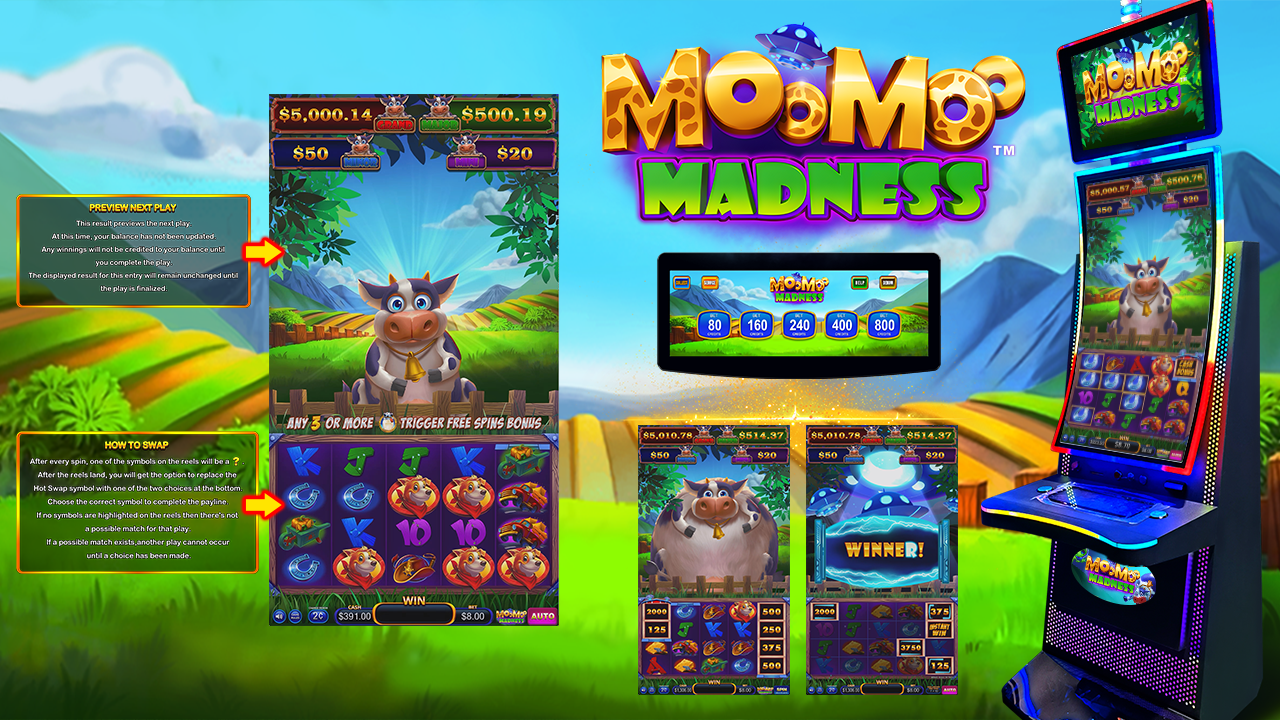
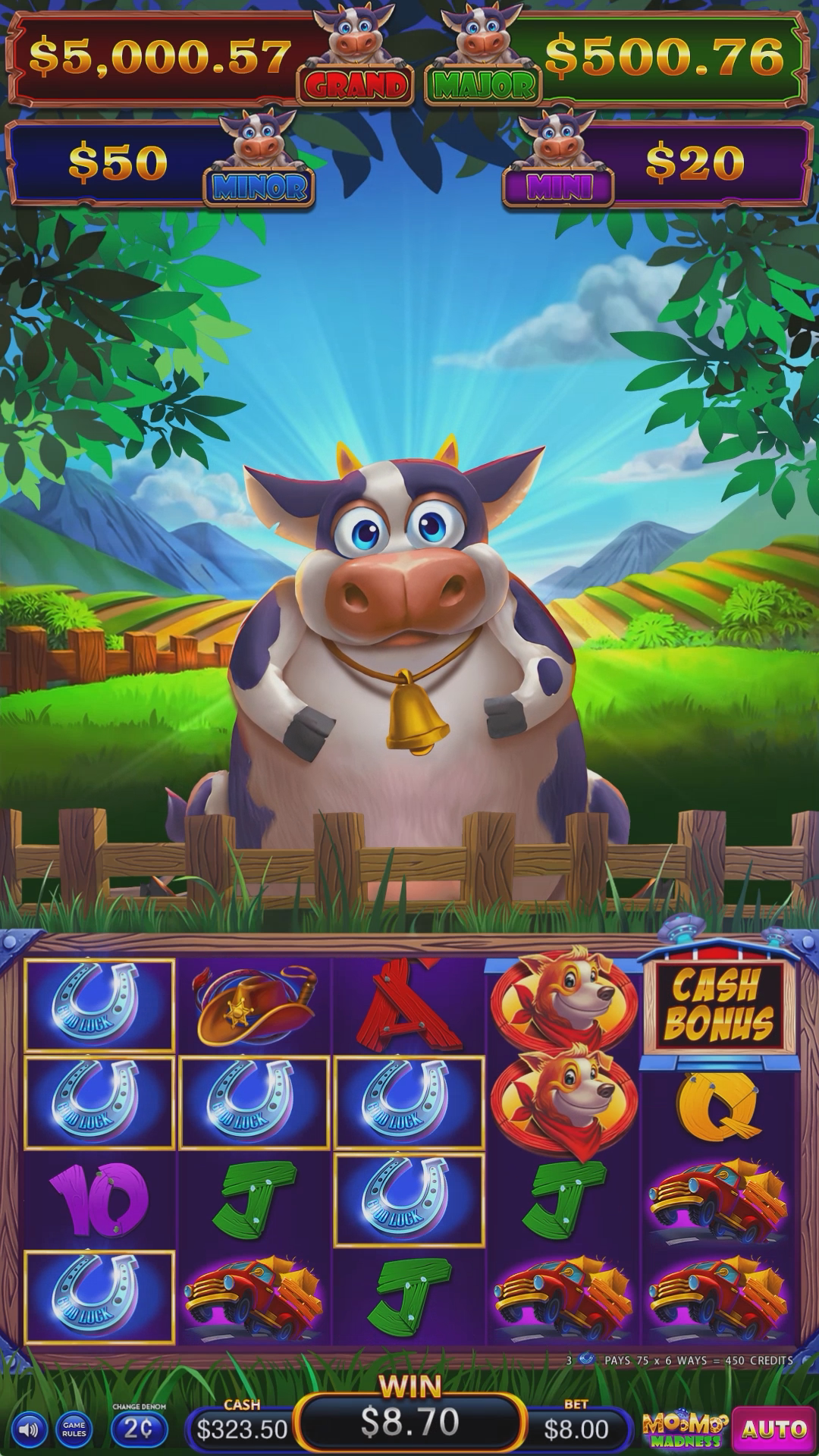
Moo Moo Madness: Portrait game mainboard.
Mainboard Specifications & Installation
Product Overview
Moo Moo Madness is a portrait-format slot machine game mainboard product for compatible gaming cabinets. Confirm the exact version and cabinet pairing before purchase.
Game Information
Game package: Moo Moo Madness. Display: Portrait. Game count: 1.
Gameplay & Features
Moo Moo Madness is an individual portrait slot-game mainboard with a playful cow and farmyard theme. Its illustrated presentation identifies the title but does not establish the presence of expanding cows, barn bonuses or any named free-games feature. Buyers should inspect the actual title and help screens for this edition before specifying gameplay or cabinet compatibility.
Technical Specifications
| Game Title / Package | Moo Moo Madness |
|---|---|
| Game Type | Slot Machine Game |
| Display Configuration | Portrait |
| Game Count | 1 |
Hardware matching: Verify the board version, display connection, power, wiring harness and optional peripherals before ordering.
Game Demonstration Video
Game Screenshots
See the product gallery for available game artwork and screen images.
Package Contents
Mainboard package, harness and accessories: To Be Confirmed. Gaming cabinet and monitors require separate confirmation.
Ordering & Support
Please send the exact game edition, quantity, display requirements, compatible cabinet details and destination country. Board hardware and support requirements are confirmed before quotation.
Request a Quote
Contact QH Gaming Machine with game title, quantity and cabinet requirements.
Frequently Asked Questions
How do I confirm compatibility with my cabinet?
Send clear photos of the existing board, model label, connectors and harness, plus display, touch controller and peripheral model numbers. Confirm the board version and wiring before ordering.
Can boards with similar connectors be interchanged?
Connector shape alone does not prove compatibility. Check the pinout, supply voltage, communication protocol and peripheral requirements against the supplied documentation.
Which board or software version will be supplied?
Specify the exact board model and required version. Confirm the supplied configuration in writing because different revisions can require different peripherals or wiring.
Which displays can be connected?
Provide the monitor model, video inputs, supported resolutions and screen layout. Confirm the board video output and configuration before connecting it.
Will the board support my touch monitor?
Provide the touch controller model, USB or serial interface and protocol. Touch operation depends on the supplied board configuration and compatible controller.
What power supply is required?
Check the specified input voltage, current requirement, polarity, connector and pinout for the supplied board. Do not connect power until these details are verified.
Can my existing wiring harness be reused?
Send harness photos and a complete pinout. Reuse is suitable only when the wiring and connected devices match the supplied board documentation.
Can it connect to my bill acceptor or ticket printer?
Send the peripheral model, protocol, connector and voltage details. Peripheral support must be confirmed for the selected board version.
Which languages and game configuration are available?
Request the available configuration for the exact board version. Do not assume that settings or content from another model are included.
What is included with the mainboard?
Confirm whether the order includes the board only or also cables, harnesses, storage media, manuals and other accessories. Request an itemized packing list.
What should I check before installing a replacement?
Record the existing wiring and labels. Disconnect power and compare the mounting dimensions, pinout, voltage and peripheral connections with the supplied documentation.
What if the board powers on but no image appears?
Check the approved power connection, video cable, monitor input source and supported output resolution. Send board-label photos and a startup video for diagnosis.
What if buttons, touch or peripherals do not respond?
Check the corresponding harness, interface and confirmed protocol. Send the board version, device labels, wiring photos and a video describing which function fails.
Can I test a sample before a bulk order?
Request a sample quotation for the exact version. Test video, touch, controls and all required peripherals in the actual cabinet before approving bulk supply.
How do I request technical or warranty support?
Send the order reference, board model and version, power-supply label, full wiring photos and an issue video. Warranty and support scope follow the confirmed order terms.